01
Clean document capture
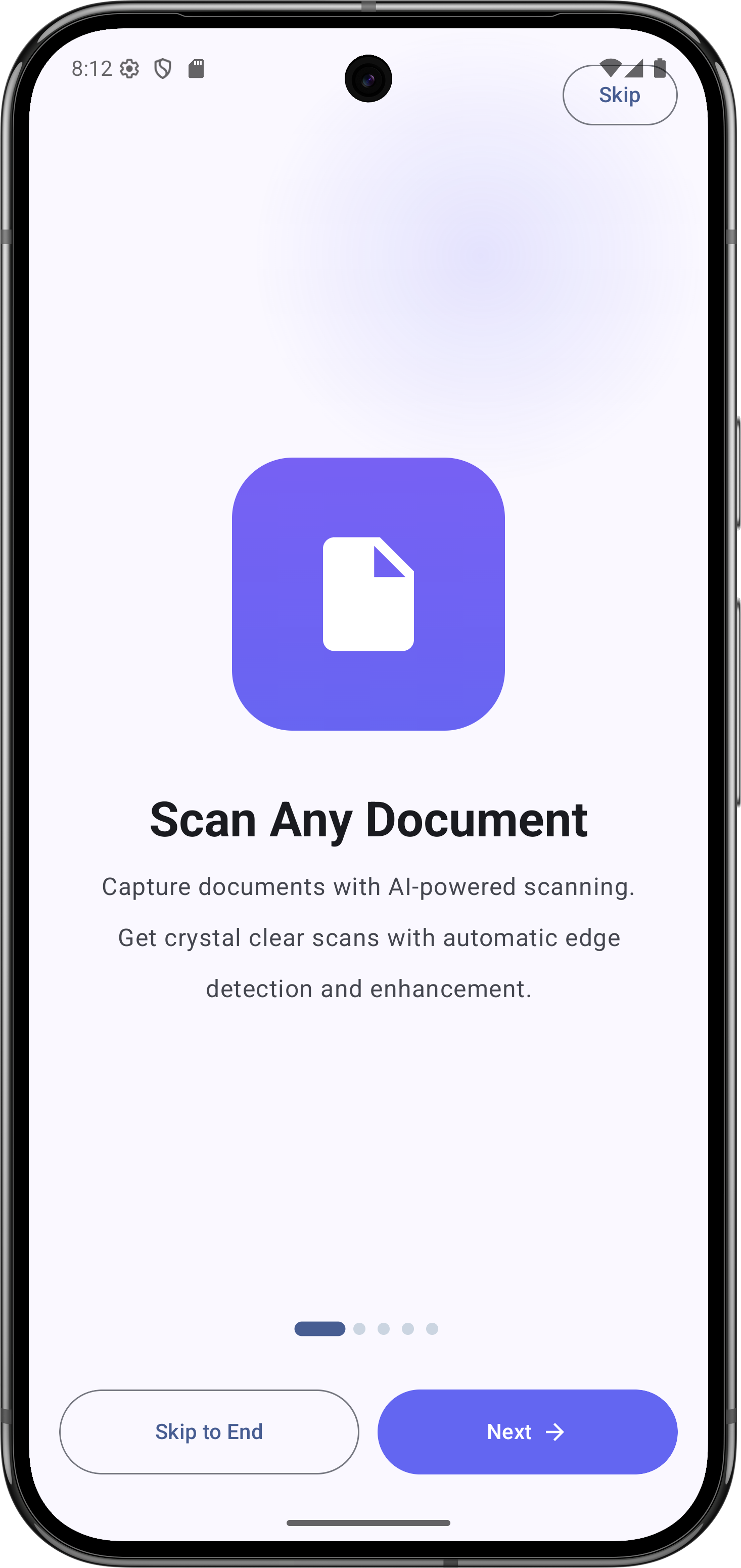
Scan documents with edge detection, Auto Scan, gallery import, crop, rotate, and multi-page support.
Android document scanner
Scan pages, extract English and Bangla text, find documents fast, and export clean PDFs without turning your phone into a messy file cabinet.
What it does
Kanzly turns paper into searchable, organized digital records with the capture, OCR, and export tools a scanner app needs to feel dependable.
Scan documents with edge detection, Auto Scan, gallery import, crop, rotate, and multi-page support.
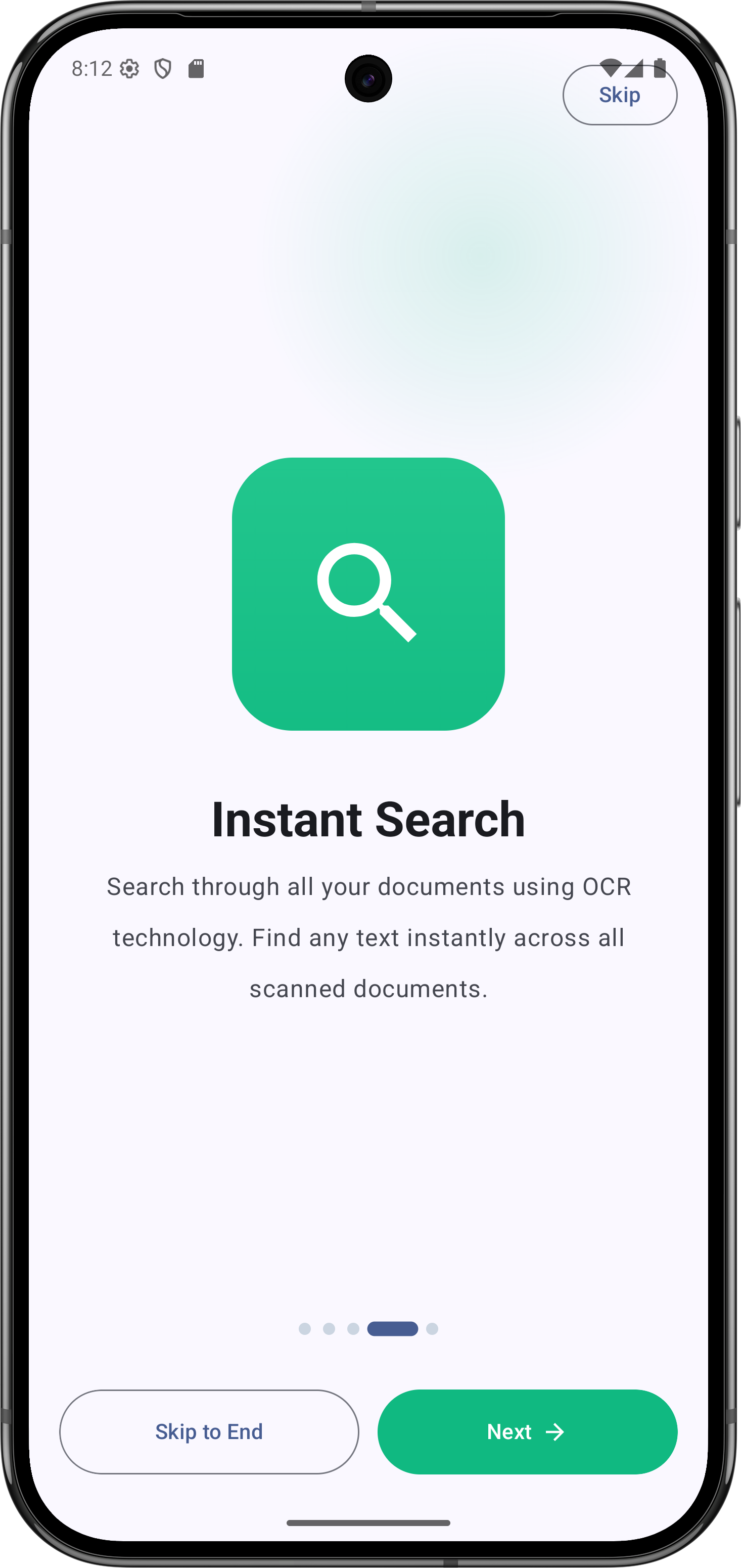
Extract readable English and Bangla text, copy it, review it, and keep it tied to the original document.
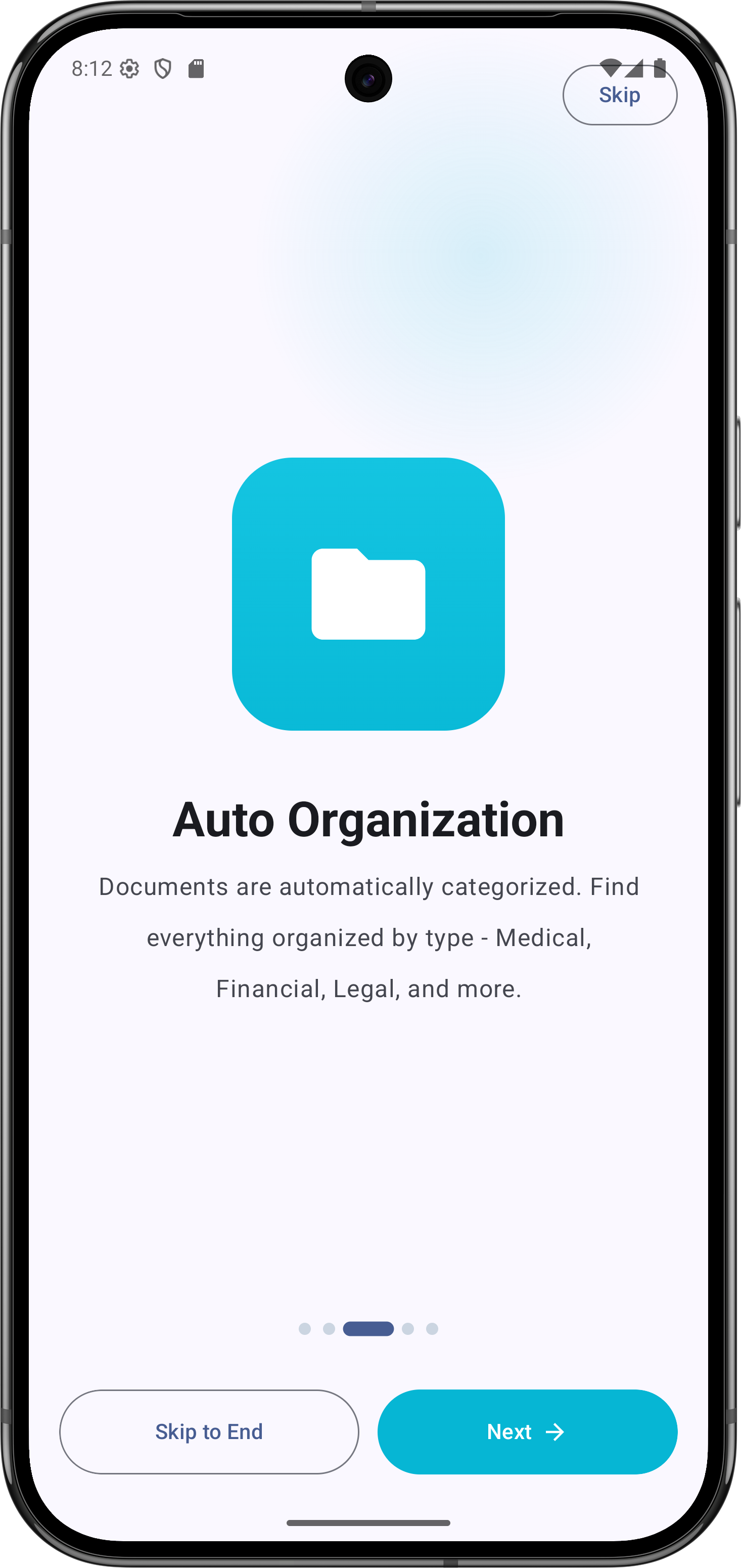
Use categories, tags, notes, favorites, and full-text search to find files by what they contain.
Create polished PDFs from scans and share them when paperwork needs to move quickly.
Workflow
The app keeps the path simple: capture the page, improve the scan, extract the text, then organize or export it.
Use Auto Scan, the camera scanner, or gallery import to bring receipts, IDs, forms, notes, and pages into Kanzly.
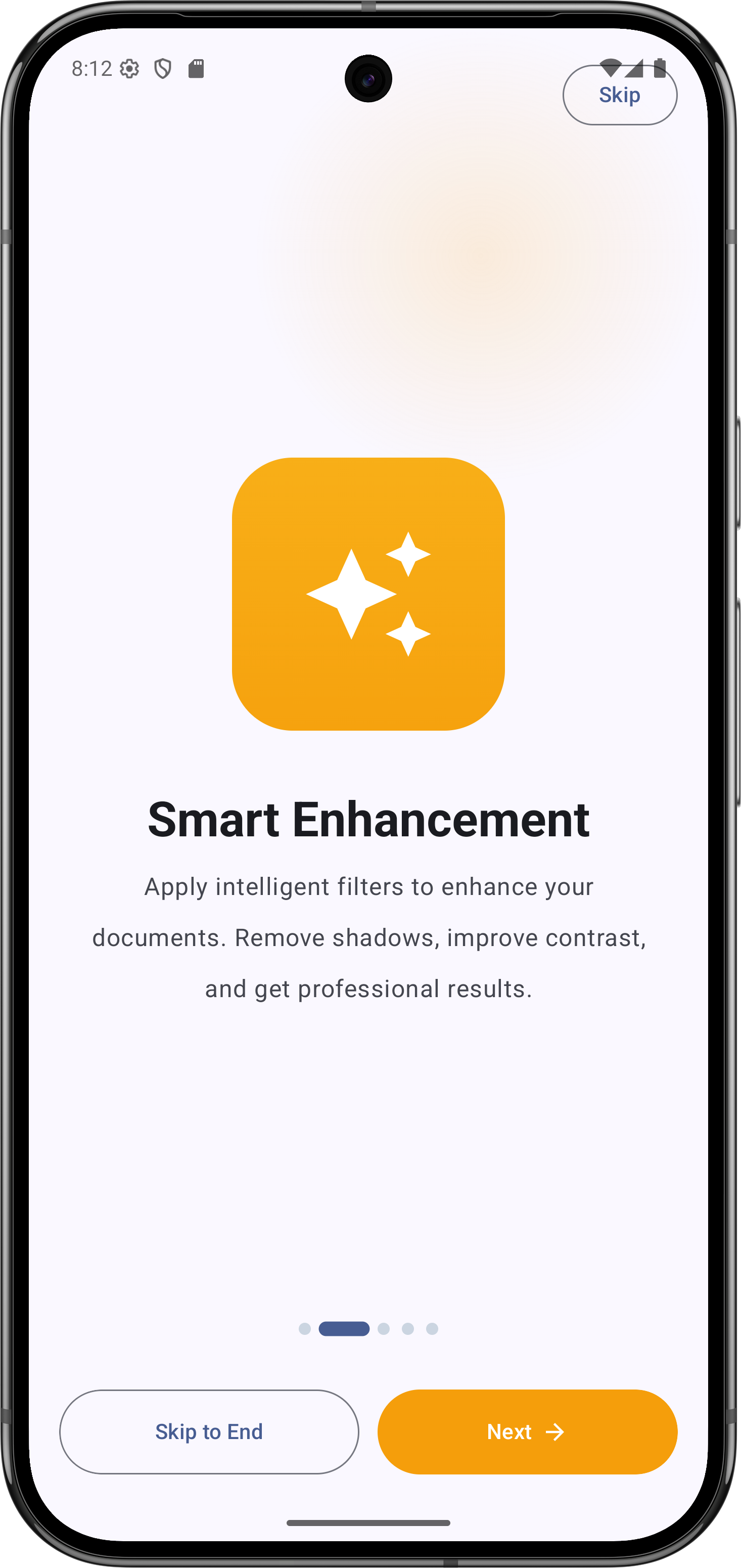
Adjust crop, rotation, filters, and pages so the final document is readable and presentation-ready.
Run OCR in the background and keep extracted text searchable beside the scan.
Save as PDF, share with another app, or keep it organized with tags, notes, and favorites.
Screens
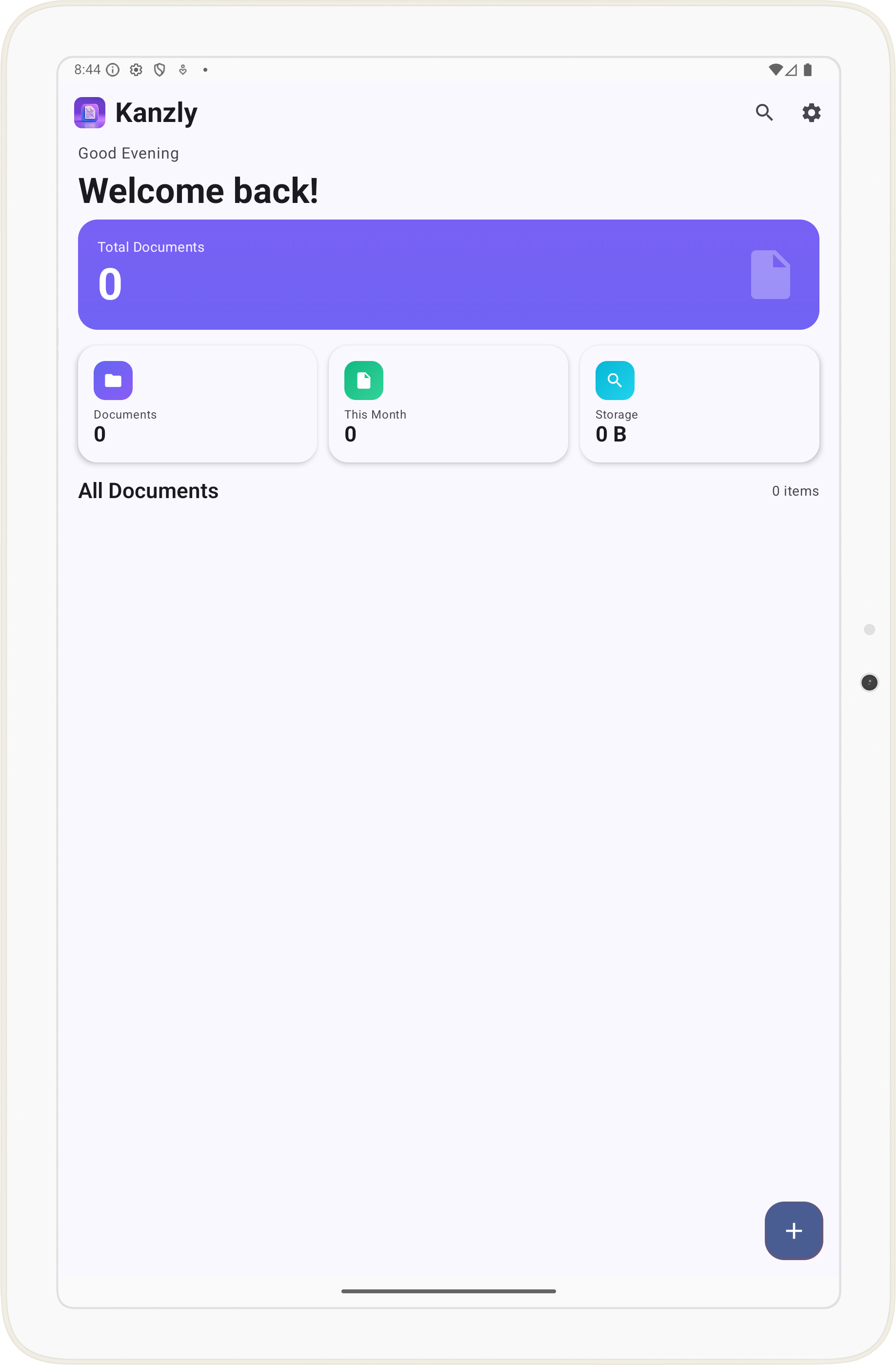
Dashboard, capture, OCR, details, and search are designed around repeated use, not just a one-time scan.
Private by design
Kanzly is designed for personal document capture and organization without requiring an account or cloud workspace.
Developer
Kanzly is part of a practical Android app portfolio focused on productivity, local-first tools, and useful document workflows. For support, collaboration, or custom app work, use the links here.